Scratchy
A VS Code extension that creates numbered scratch files from a shortcut, with starter templates, a Markdown preview, JavaScript execution and HTTP requests.
Scratchy is a VS Code extension for scratch files. Press a shortcut, pick a file type from a list, and Scratchy creates a numbered file in ~/scratches/ with a starter template, then opens it.
Demo
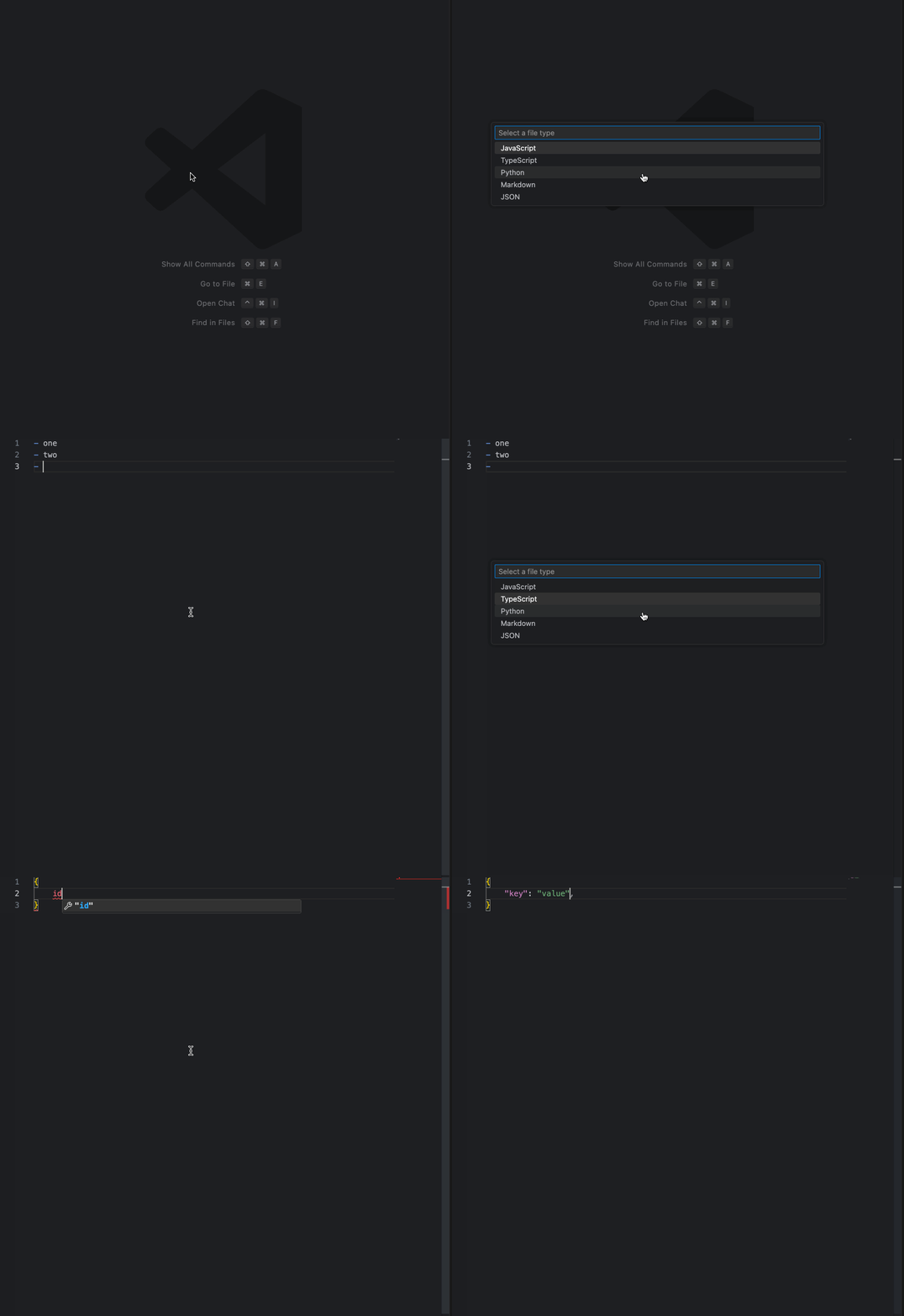
Scratchy in VS Code: the file type picker.
How it works
- Press
Cmd+Ctrl+Non macOS orCtrl+Alt+Non Windows and Linux. - Pick a file type from the “Select a file type” list.
- Scratchy creates
~/scratches/scratch_<n>with a starter template and opens it. - Markdown opens with a side preview, JavaScript runs, and
.httpfiles get an “Execute request” button on each request line.
Features
- File types: Markdown (
.md), JSON (.json), HTTP (.http), JavaScript (.js,.jsx), TypeScript (.ts,.tsx), Python (.py). - Each type has a starter template with a creation timestamp.
- The file counter persists across sessions.
- Markdown scratch files open in VS Code’s built-in side preview. The same preview opens on a Markdown file with
Cmd+Ctrl+Von macOS orCtrl+Shift+Von Windows and Linux. - JavaScript scratch files run on creation. Stdout and stderr print to an output panel. Run again with
Cmd+Ctrl+Jon macOS. .httpfiles get an “Execute request” CodeLens on each request line, plus Execute and Execute All buttons in the editor title bar. Requests run through the REST Client extension.- Syntax highlighting follows the file extension.
Install
- Open the Extensions view in VS Code and search
Scratchy. - Click Install. You can also install from the Marketplace page.
- VS Code also installs the
REST Clientextension, because Scratchy depends on it. - Press the create shortcut. The file type picker opens.
Requires VS Code 1.99 or newer.
To build from source, clone the repository, then run npm install and npm run compile. This needs Node.js 18 or newer.
Notes
- Current version: 1.0.1. The Marketplace lists 5 versions, from 0.0.7 to 1.0.1.
- The demo GIF was recorded before HTTP support was added, so the picker shows 5 types, not 6.