Magpaste
A menu-bar clipboard manager for macOS. It keeps a searchable history of what you copy and pastes any past clip with one click.

Magpaste runs in the menu bar on macOS 14 or later. There is no Windows, Linux or iOS version.
Demo
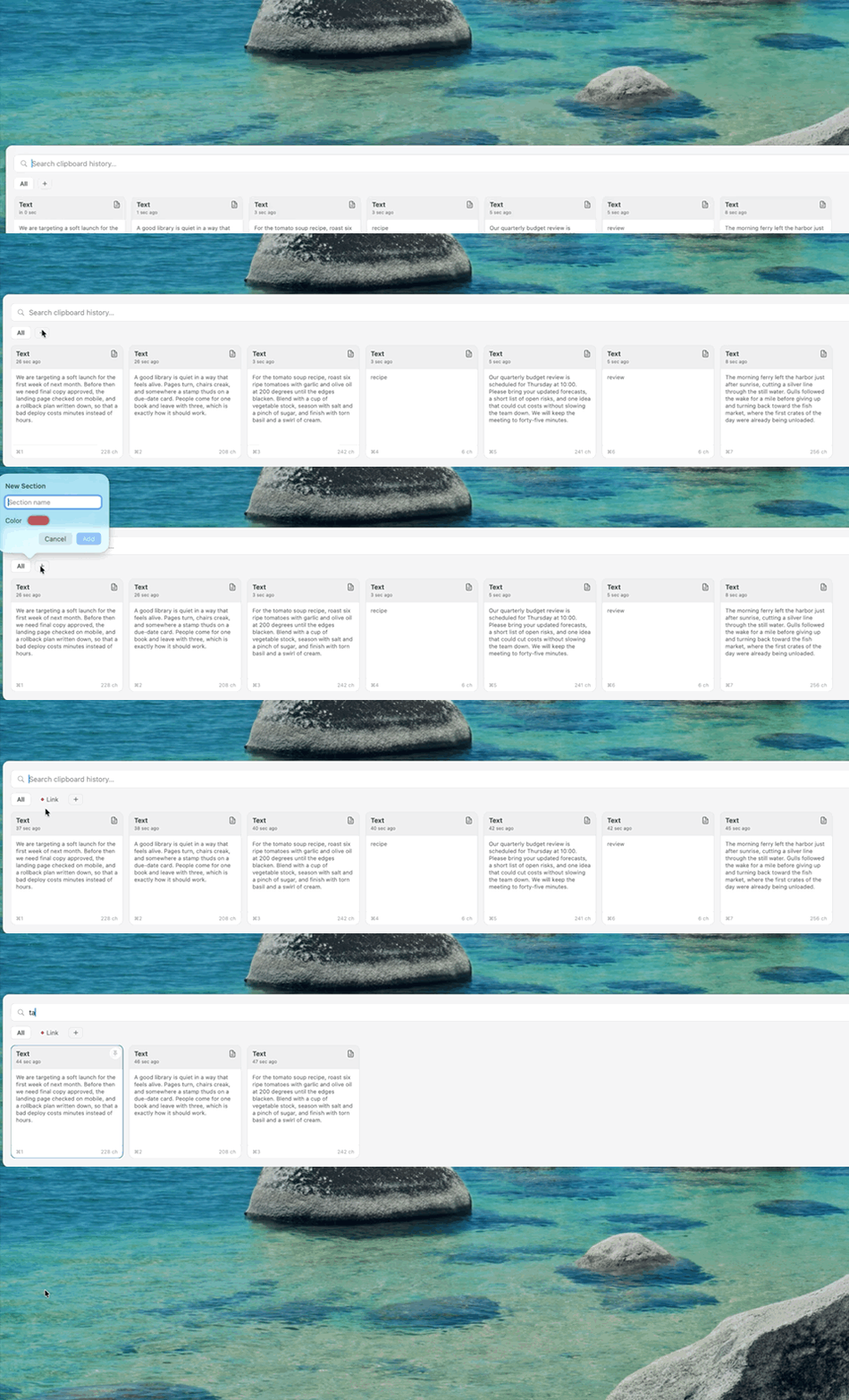
The clip shows the panel opening with seven copied clips, a section created from the + pill, and a card pinned. Idle time is sped up 2.5x. The clip is 14 seconds long.
Features
- Keeps the last 500 clips, classified as text, URL or hex color.
- Opens a floating panel from a global shortcut you record yourself.
- Organizes clips with search, pinning, colored sections via drag and drop, and multi-select merge-paste.
How it works
ClipboardMonitor.swiftpollsNSPasteboardevery 0.5 seconds.- History and sections save as JSON in Application Support.
- A Carbon
RegisterEventHotKeyshortcut opens a borderless floatingNSPanelthat slides in from any screen edge. PasteExecutor.swiftpastes into the previous app by simulating⌘VwithCGEvent.- Password managers (Keychain Access, 1Password, LastPass) are skipped.
Install
- Click Download above to get
Magpaste.dmg. - Drag Magpaste into Applications.
- Right-click the app and choose Open. The app is ad-hoc signed and not notarized.
- Enable Magpaste under System Settings, Privacy & Security, Accessibility. Without it, clips are copied but not pasted.